We can't find the internet
Attempting to reconnect
Something went wrong!
Hang in there while we get back on track

Pragmatic Markdown
Markdown as a first class citizen
In Chorochronos, Markdown is a first class citizen: it is one of the basic data types available. You can type Markdown and get nicely formatted text within your screens, even with tables or code blocks.
Custom Markdown rendering in Swift UI
Chorochronos has its own rendering for Markdown. The reason was simple. There were some features I really wanted, not available in the well known libraries.
- Horizontal scrolling for tables
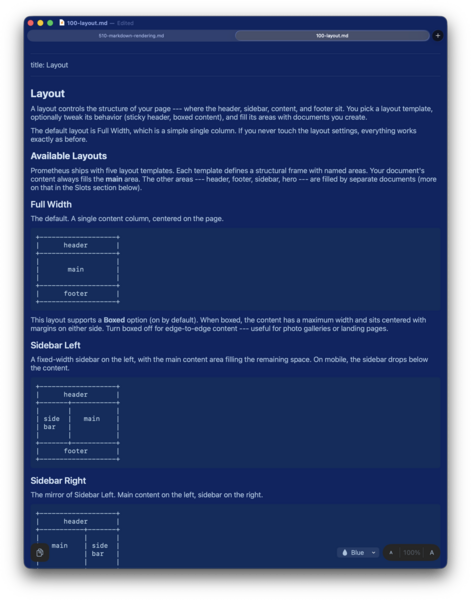
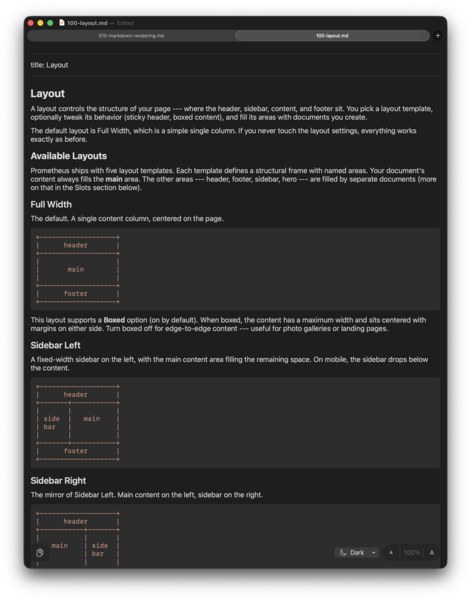
- Color themes (e.g. for astronomy)
- Easy to select elements on mobile devices
So, I wrote my own Markdown renderer to do exactly this. But since it was obvious this would be useful outside Chorochronos, I made it a library, easy to reuse in other applications.
It quickly became my favorite way to view Markdown files. So I created a standalone application for this.
What do you mean "pragmatic"?
Pragmatic means I have not tried to implement the 600 pages of the Commonmark specification. I find it silly that there is a spec for Markdown which is more than 5 pages. It means the 10% of markdown you need 90% of the time.
Some of the color themes
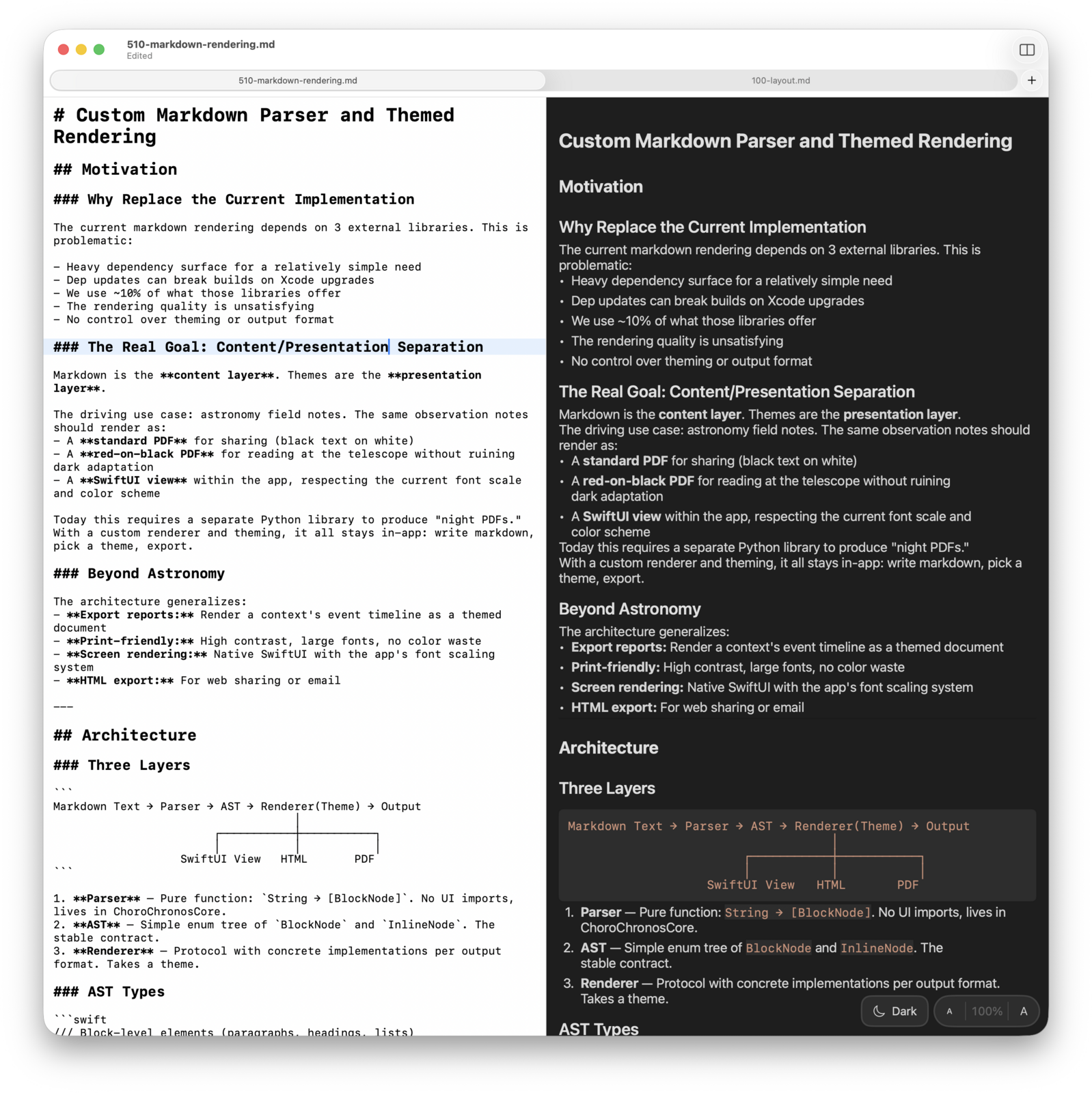
Pragmatic Editor, too
⌘-2 will put the reader in Split View mode with an editor on the left and the rendered Markdown on the right.
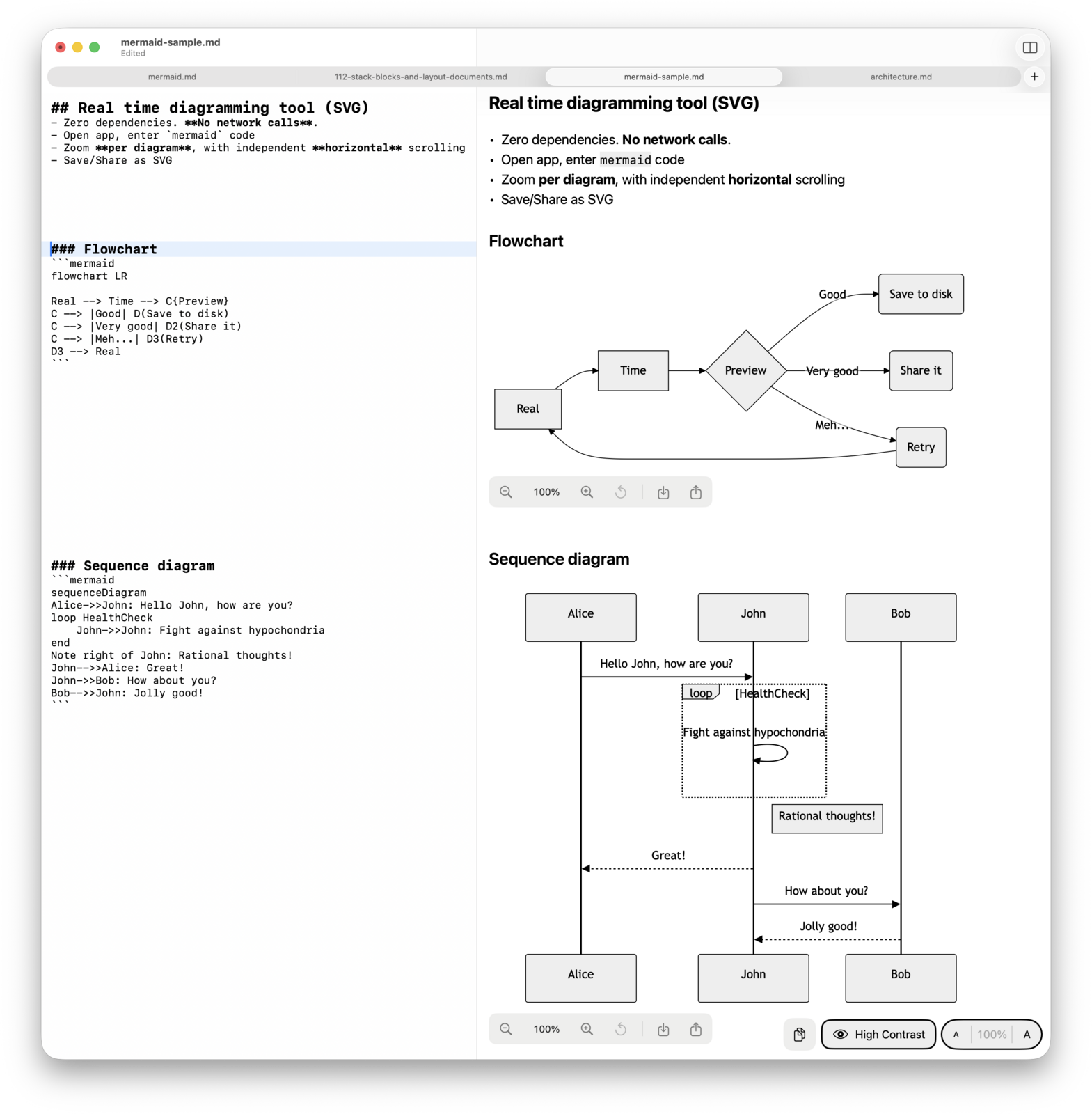
Pragmatic Diagramming
- Pragmatic Viewer supports all of the Mermaid 11 language
- No extra dependencies
- No network calls!
- Real time preview.
- Zoom in/out per diagram. Horizontal scrolling per diagram.
Click the link to download Pragmatic Viewer. Works on macOS 14+.
The binary is signed and notarized by Apple.